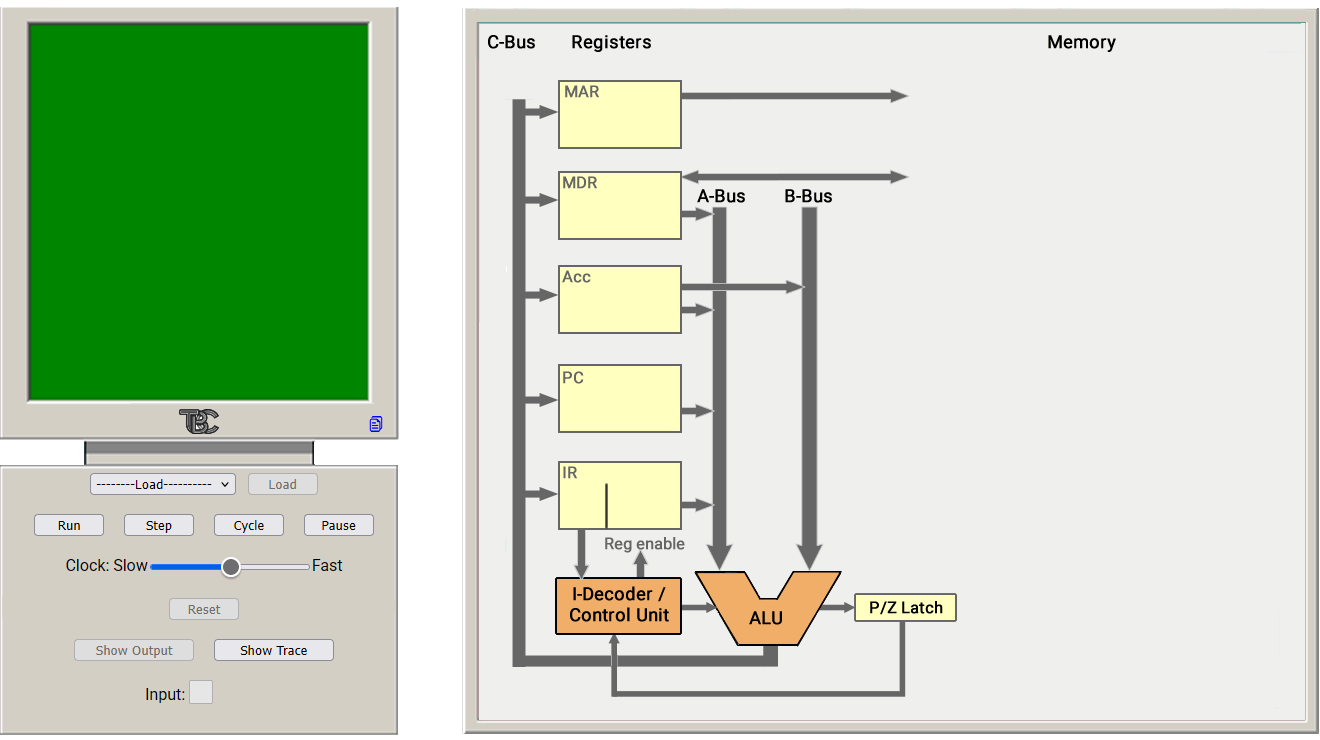

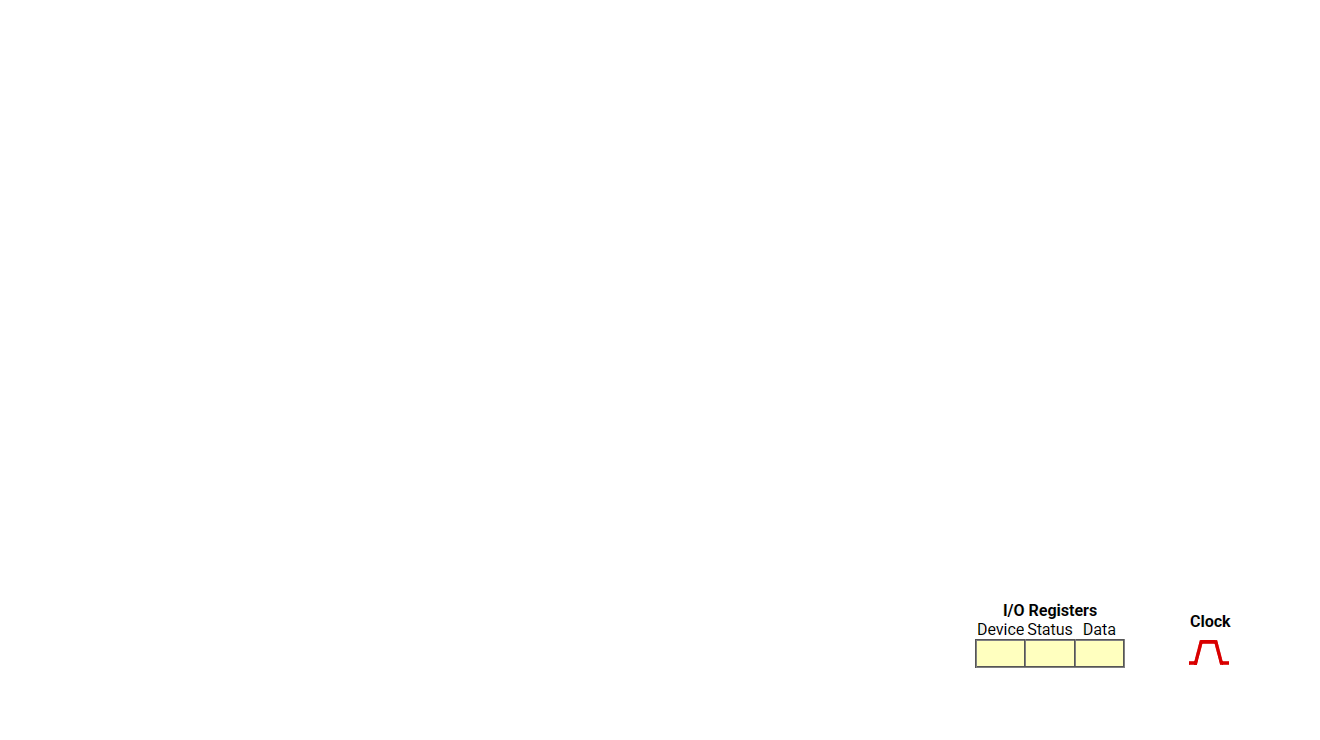
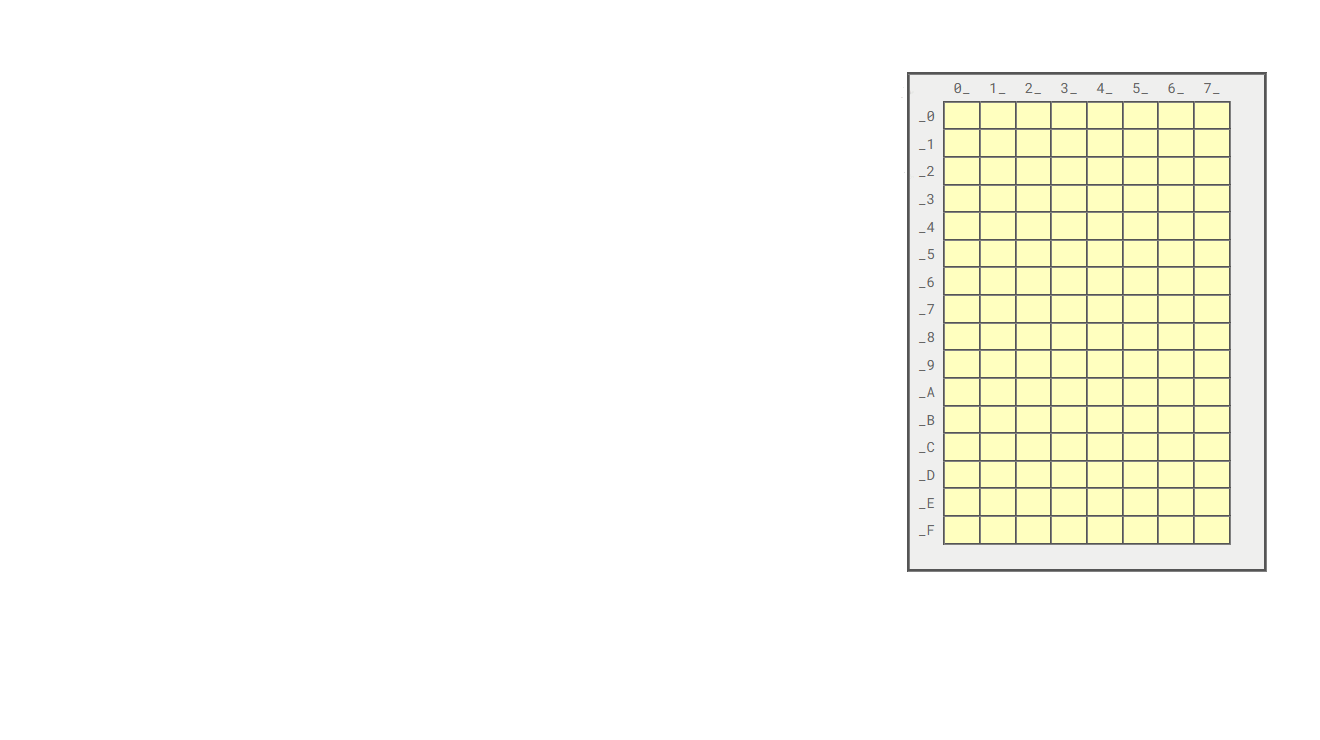


















This page allows you to set up datapath highlights, memory read or write, ALU functions and register content. The register content fields require hexadecimal numbers. Clicking "Capture Image" at the bottom captures the image on the left side of the screen and copies it to the clipboard. From there, it can be pasted into a PowerPoint slide or an image editor.
| Register Content | |||
| Hide Screen/Controls | |||
| ALU | |||
| Datapath Crop | |||
| IO and Clock | |||
| Memory | |||
| Acc A | |||
| Acc B | |||
| IR A | |||
| MDR A | |||
| PC A | |||
| C Acc | |||
| C IR | |||
| C MAR | |||
| C MDR | |||
| C PC | |||
| MAR Mem | |||
| MDR In | |||
| MDR Out | |||
"Datapath Crop" puts a tiny crop-mark between datapath and memory. This helps make sure that all images where one has cropped away the memory area are the same size.